Millions of creators have generated stunning 2D portraits in Midjourney or ImagineArt. But clicking 'Generate Video' usually turns them into rubber: the eyes lose their glassy reflections, teeth melt together, and the background shifts unnaturally. The secret to realistic portrait animation is separating the facial identity plate from the environmental motion vectors.
By sourcing real camera motion and lighting changes from viral fashion reels, you can drive ImagineArt's motion sliders with real-world physical dynamics.
Why Sourcing High-Res Assets Matters
When you screenshot a fashion portrait from an Instagram carousel, phone compression discards the fine pore textures and subsurface skin scattering. When ImagineArt's diffusion model interpolates between frames, it treats compressed pixel clusters as flat paint, resulting in that dreaded 'waxy plastic' AI sheen.
Use ReelGrab's Carousel Downloader to download the original uncompressed source stills in their native resolution, preserving the micro-contrast needed for photorealistic skin animation.
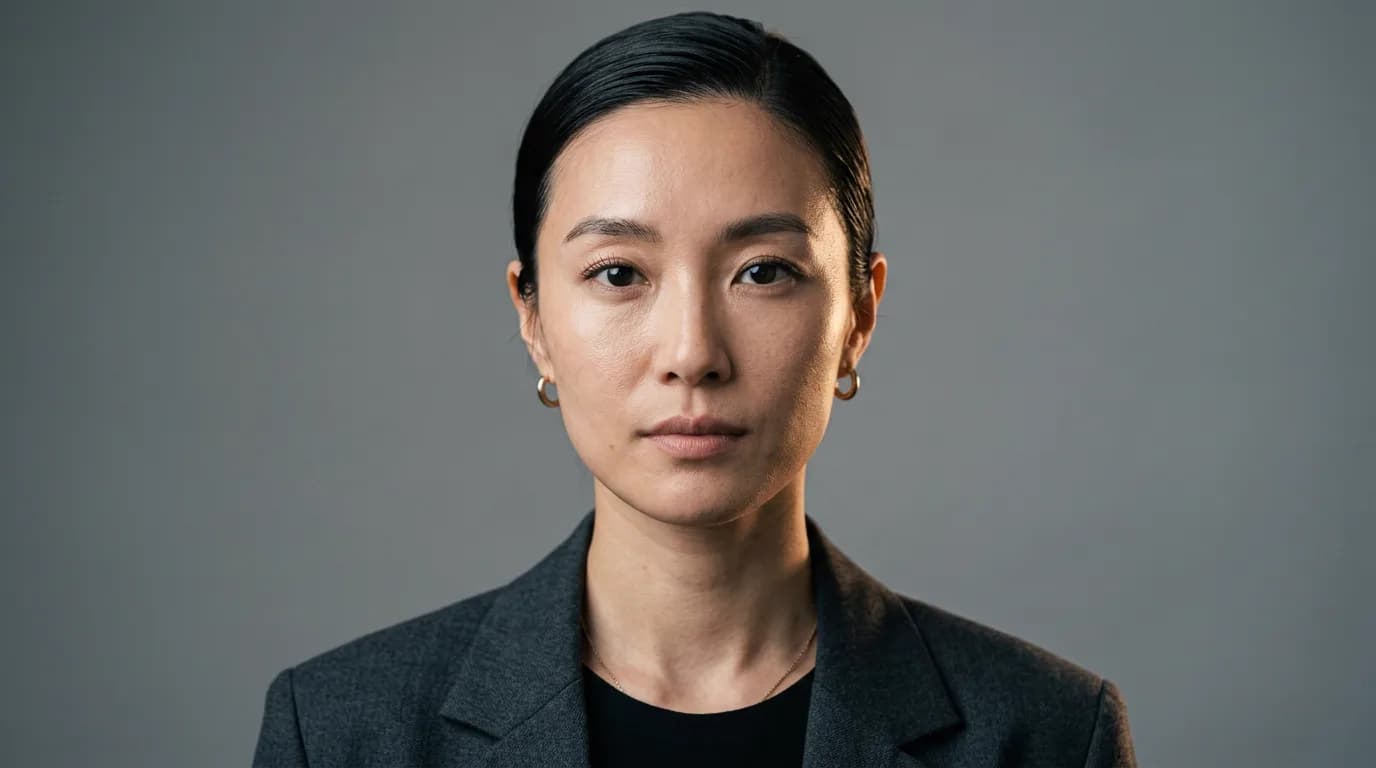
Step 1: The High-Fidelity Base Portrait (@Image 1)
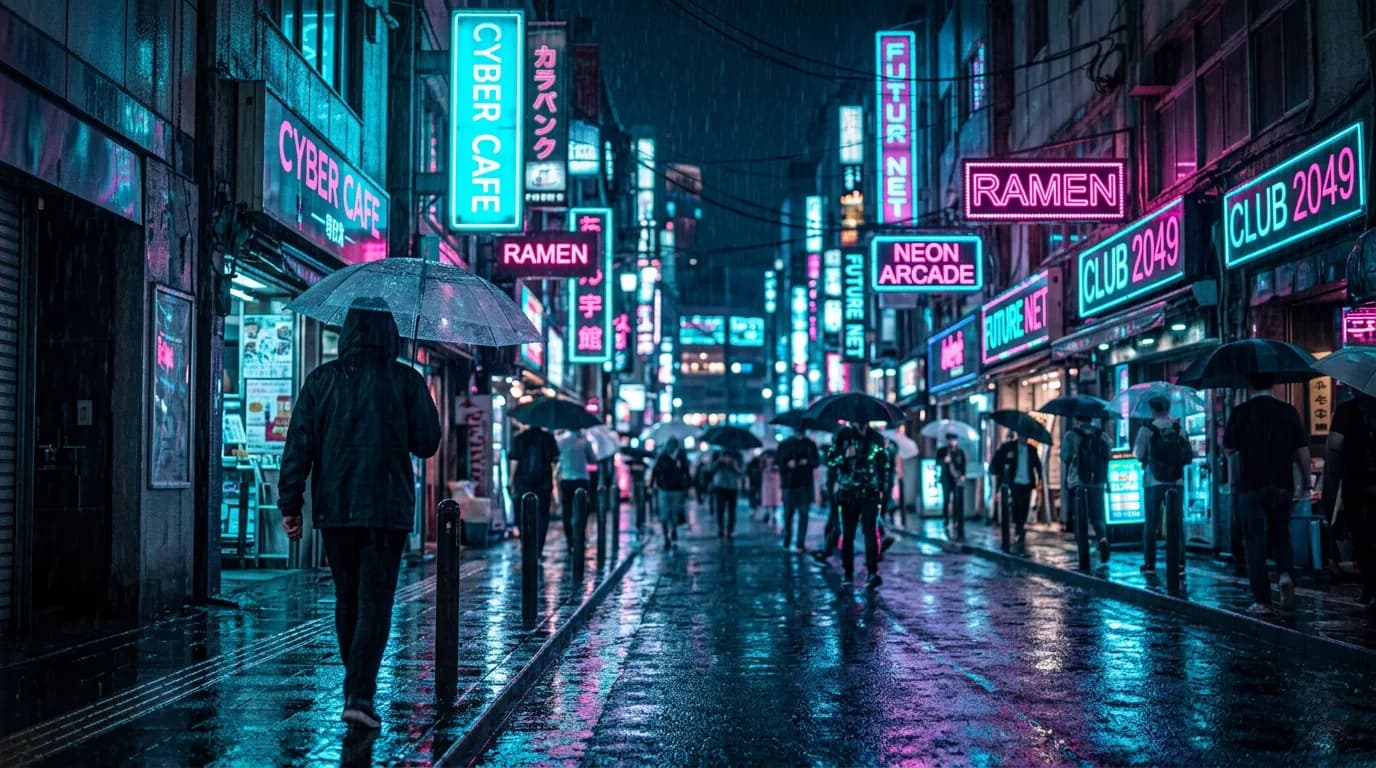
Step 2: The Cyberpunk Environment Plate (@Image 2)
Step 3: ImagineArt Motion Brush Settings
In ImagineArt's Motion Studio, paint your masks and dial in these precise values:
- Face Mask (Brush 1): Motion Intensity = 1.8. Horizontal tilt = +12 degrees. Locked eye gaze.
- Hair & Jacket Mask (Brush 2): Motion Intensity = 4.2. Wind vector = Left-to-right turbulent oscillation.
- Background Rain & Lights (Brush 3): Motion Intensity = 6.5. Downward particle velocity with horizontal flare pulsation.
Step 4: The ImagineArt Video Prompt
Transform static portrait @Image 1 into a living 8-second cinematic sequence set in the rainy cyberpunk street of @Image 2.

[MOTION & LIGHTING CHOREOGRAPHY]
The woman turns her head smoothly 15 degrees to her right, looking over her shoulder into the rain.
Subtle, natural breathing motion in her shoulders. Wind gently tousles wet strands of dark hair across her cheek.
Raindrops roll down her cheekbones, catching vibrant reflections from #00f0ff cyan and #ff0077 magenta neon street signs.
Camera performs a gentle push-in (dolly forward 5%) with subtle organic handheld breathing.
Volumetric anamorphic lens flare sweeps across the upper third of the frame between seconds 3.0 and 5.0.

NEGATIVE CONSTRAINTS:
NO waxy plastic skin. NO morphing ear cartilage, no shifting iris color, no extra fingers, no melting teeth. Avoid robotic jitter or abrupt jumps in ambient lighting.